What is a Custom Canva Design?

What is a Custom Canva Design?

A Custom Canva Design is a professionally built asset - brochure, flyer, business card or social post - tailored to your brand system and set up in Canva the right way.

Approve once. Then your team updates content quickly, without losing the polish.

Not a generic template.

Professional design first - Canva Delivery Add-On available across most services.

A Custom Canva Design is a professionally built asset - brochure, flyer, business card or social post - tailored to your brand system and set up in Canva the right way.

Approve once. Then your team updates content quickly, without losing the polish.

Not a generic template.

Professional design first - Canva Delivery Add-On available across most services.

Design Once. Edit Anytime.

Choose your service, add the Canva Delivery Add-On, and brief us in the Design Hub. Our senior designers craft your final, then set it up in Canva so your team can update content in minutes - without losing the polish.

Original Design

Your Final Design

A custom, on‑brand asset crafted by senior designers - the master you approve once and use everywhere with confidence.

Editable Design

Editable, Your Way

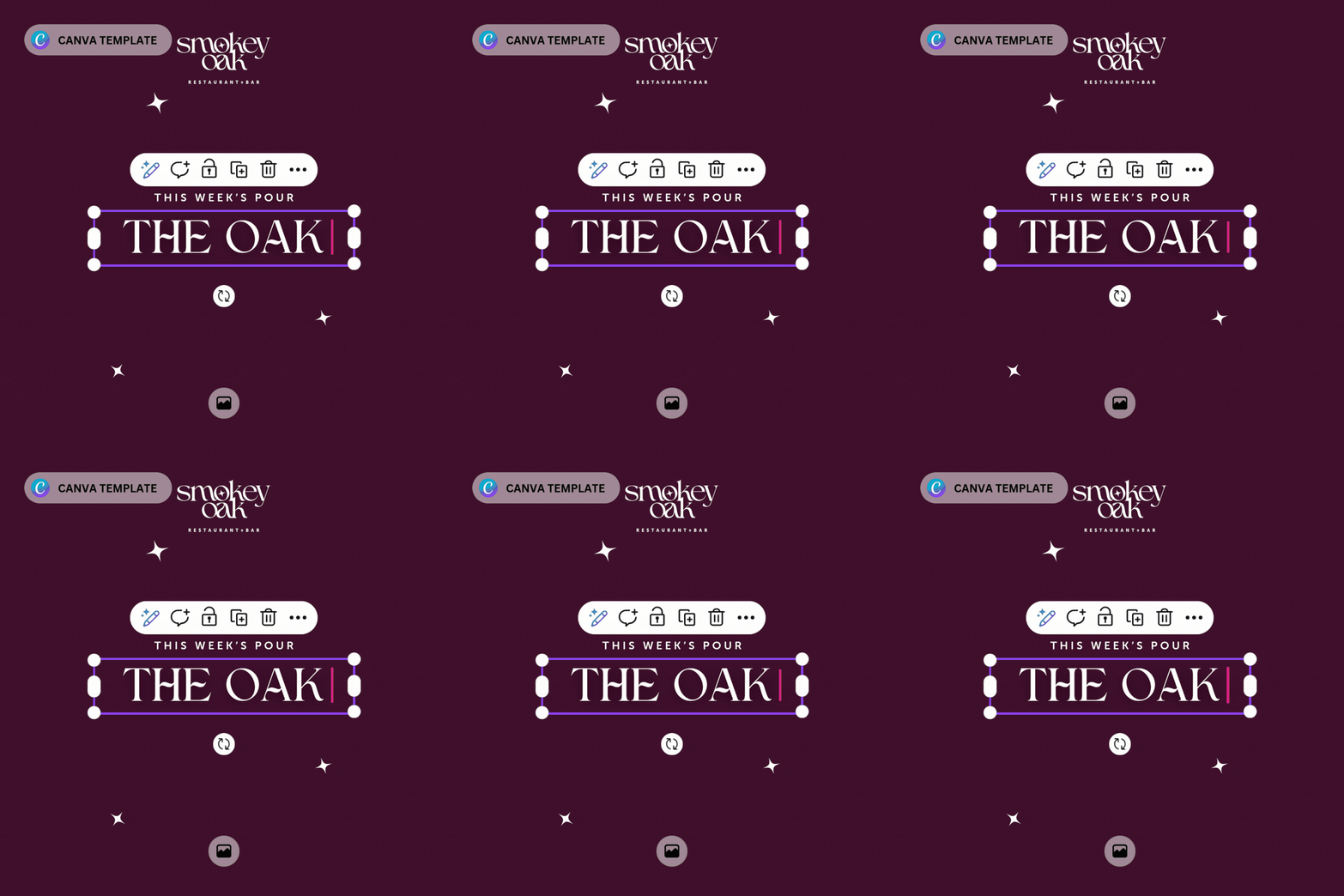
Set up in Canva, it becomes a flexible, team-ready file. Update text and images anytime in minutes.

New Design

Always On-Brand

Brand styles and spacing are set, so edits keep the design crisp, consistent and ready to use. .

Add Canva Delivery To Your Design

Add Canva Delivery To Your Design

We package your approved design as an editable Canva file - pro-built by senior designers. Approve once; your team updates in minutes without breaking the design. Professional design first. Canva Delivery Add‑On optional.

  • Built from scratch to your brand
  • Structured, brand‑locked master
  • Faster updates; fewer bottlenecks
  • One investment, repeatable use

Available on selected services.

We package your approved design as an editable Canva file - pro-built by senior designers. Approve once; your team updates in minutes without breaking the design. Professional design first. Canva Delivery Add‑On optional.

  • Built from scratch to your brand
  • Structured, brand‑locked master
  • Faster updates; fewer bottlenecks
  • One investment, repeatable use

Available on selected services.

Certified Canva Agency Partner

We don’t just make Canva files work. We make them WOW.

Certified Partner

Recognised by Canva as a trusted agency partner.

Design sorcery

We don’t just map styles and lock elements – we make Canva sing.

Canva partner badge placeholder

Senior designers only

No marketplace Franken-files, no shortcuts.

DIY, minus the DIY look

Your team edits, it still screams “designer-made”.

One Investment, Many Updates

Approve one professionally built master, then turn it into on‑brand versions in minutes. With Canva Delivery, your team swaps dates, offers and images while layouts stay locked to your brand. Fewer rebriefs, lower costs, faster campaigns—one investment that keeps paying off.

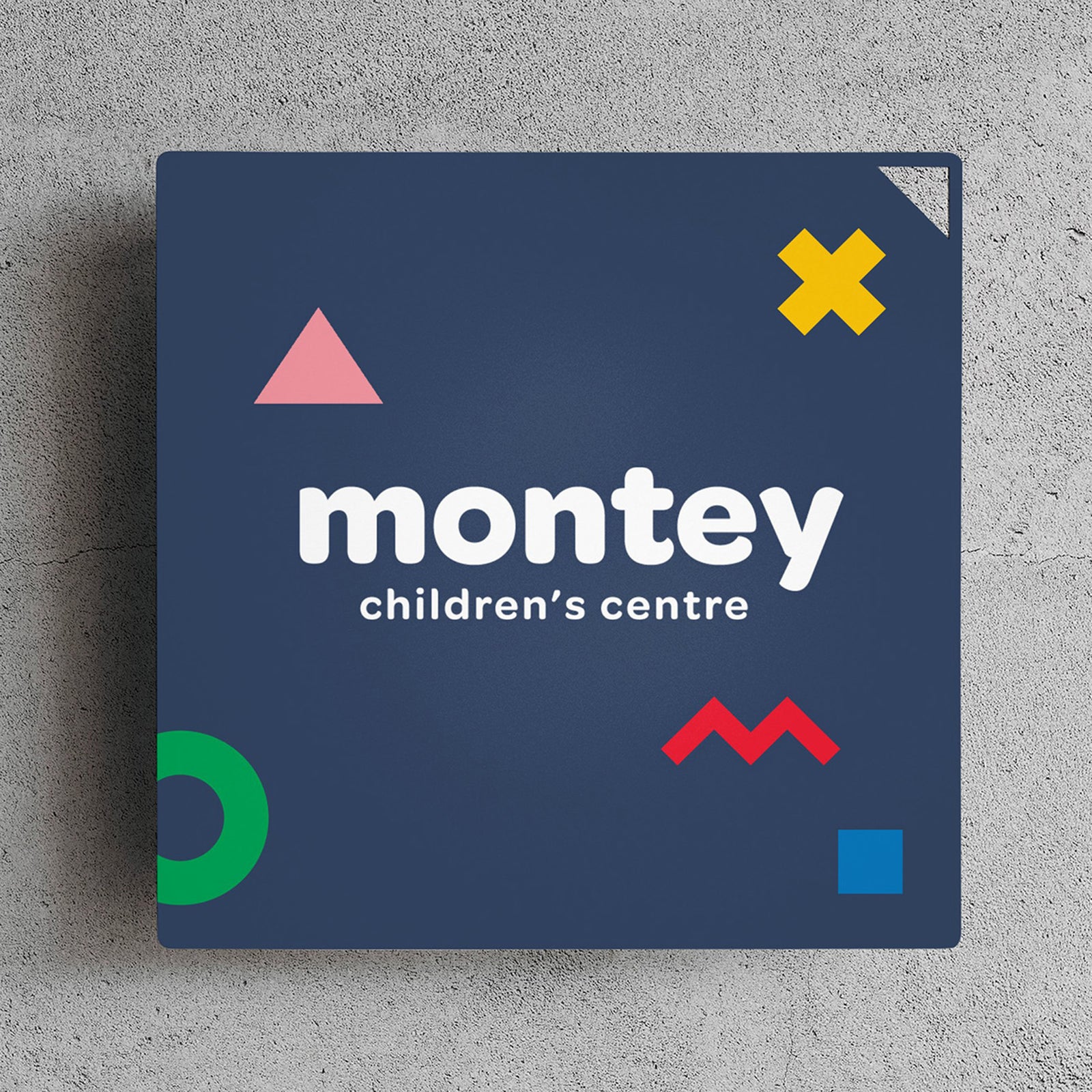
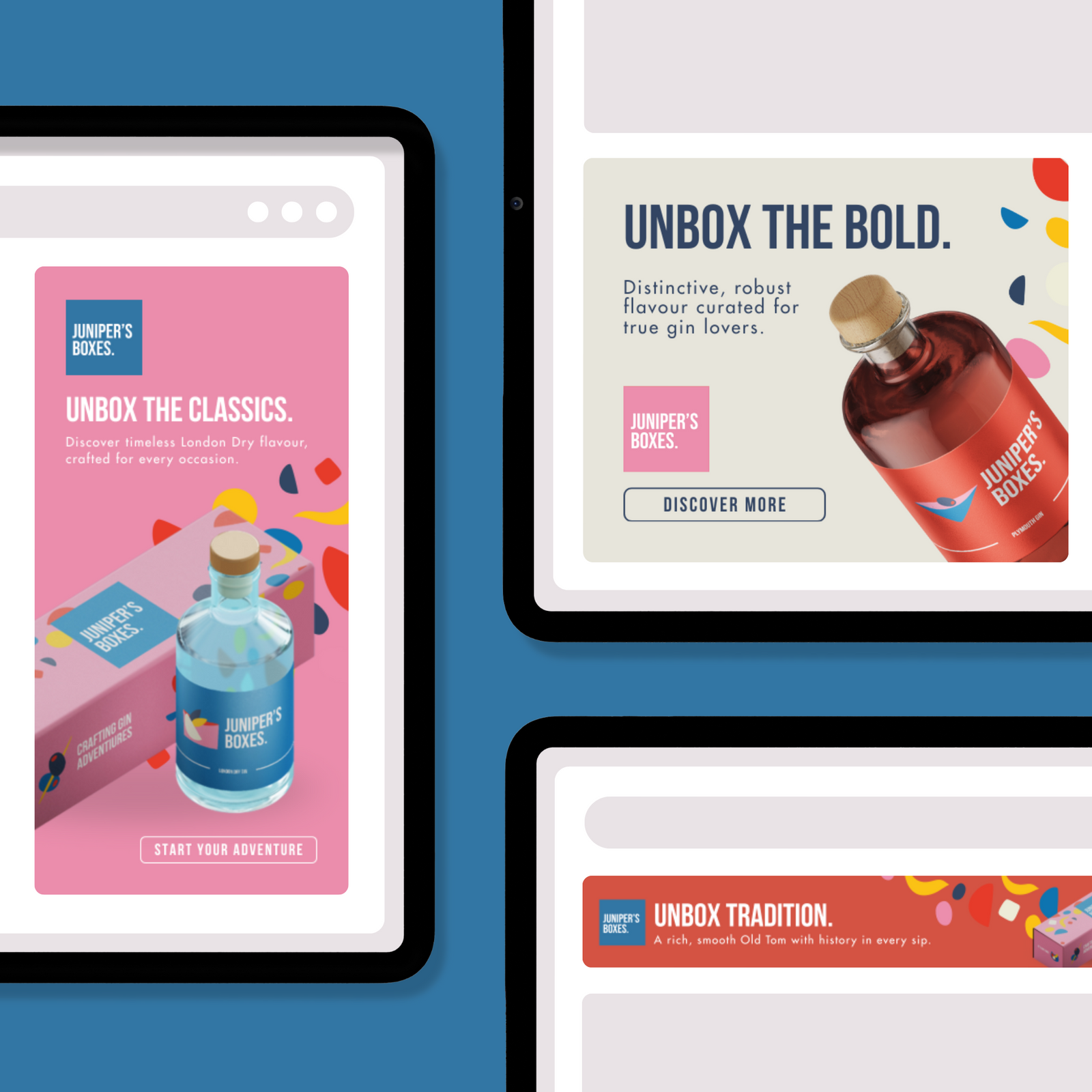
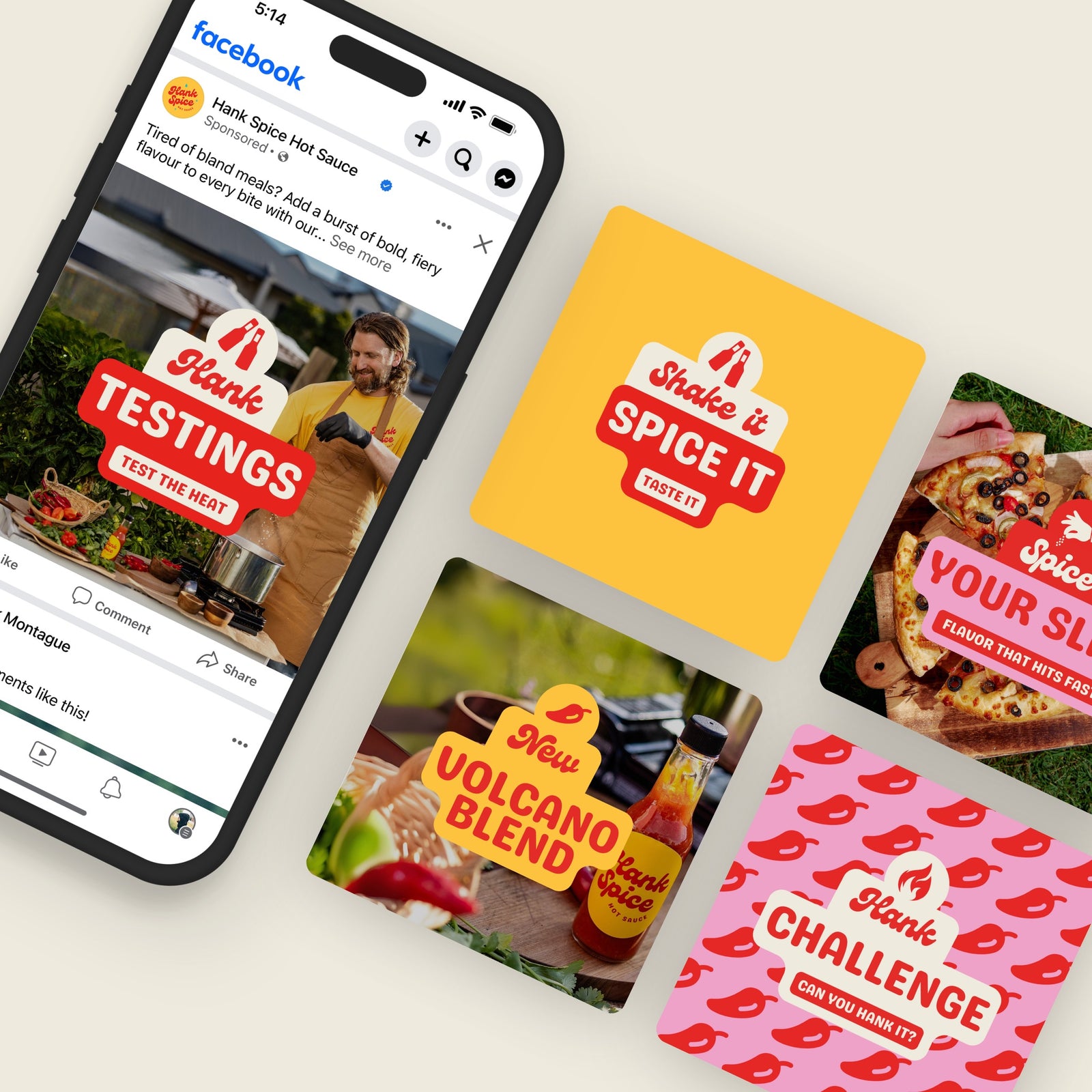
Some of our Canva Masterpieces

On-Demand Custom Canva Services

FAQ

Ordering

Under the “Design Delivery” section on the service page (above “Add to cart”, simply choose “Canva Template”.

Don’t worry, just let us know what you need. If it’s not covered by our existing options we’ll add a new service to accommodate your request.

You can order new Canva templates whenever you like through our on-demand design services. Simply let us know what formats or layouts you need, and we’ll create additional custom designs for your brand—no limits or long-term commitments. It’s all about getting exactly what you need, right when you need it.

Design Project Scope

Yes! Everything is 100% custom and designed from scratch, with no off-the-shelf layouts. We design each element just for your brand so your designs stand out and never look generic.

Absolutely. We love turning distinctive brand identities into workable Canva templates. Our team thrives on it!

We design every layout from scratch using your brand’s unique style, but due to licensing restrictions we can’t directly provide stock photos in your templates. Instead, we’ll rely on any images you supply or use placeholder spots where you can easily insert your own photos later. This way, the design remains fully custom while staying compliant with licensing rules.

Getting Your Templates

Once your designs are finalised, we’ll share a link that lets you copy the custom templates directly into your Canva Pro account. You won’t need to grant us any special access—simply click the link, and the templates will appear in your workspace, ready for you or your team to use right away.

Yes. Our templates rely on Pro features—like brand kits and certain design elements—to ensure a fully custom, on-brand experience. If you’re on Canva Free, you won’t be able to access some of those advanced tools. We recommend upgrading to Pro so you can make the most of your new templates.

We typically design and deploy your custom templates in 3–7 days; for the most up-to-date timeline, please refer to the relevant service page. In any case, our streamlined process ensures it will be up and running as quickly as possible.

Editing in Canva

Not at all. If you can use Canva, you’ll have no trouble customising our templates. You can swap images, change text, and make updates using the Canva platform.

Yes. You’ll be able to swap images, change text, update colours, and even tweak the layouts if you feel comfortable. They’re yours to adapt as you wish. Just make sure you save and do not edit the original template!

Search